
TV Repair in Discovery Gardens: Same-Day Apartment Service.
TV not working in your Discovery Gardens apartment? Fixer Master Dubai repairs TVs the same day across all Discovery Gardens clusters. We find the fault, give you an honest fixed price and fix most TVs during the visit.
TV Repair in Discovery Gardens, The Gardens and Al Furjan.
Discovery Gardens is a large apartment community near Ibn Battuta Mall, with many studios and one-bedroom homes. Most TVs here are 32 to 55 inch LED and Smart TVs. We also cover nearby The Gardens, Al Furjan and Jebel Ali Village.
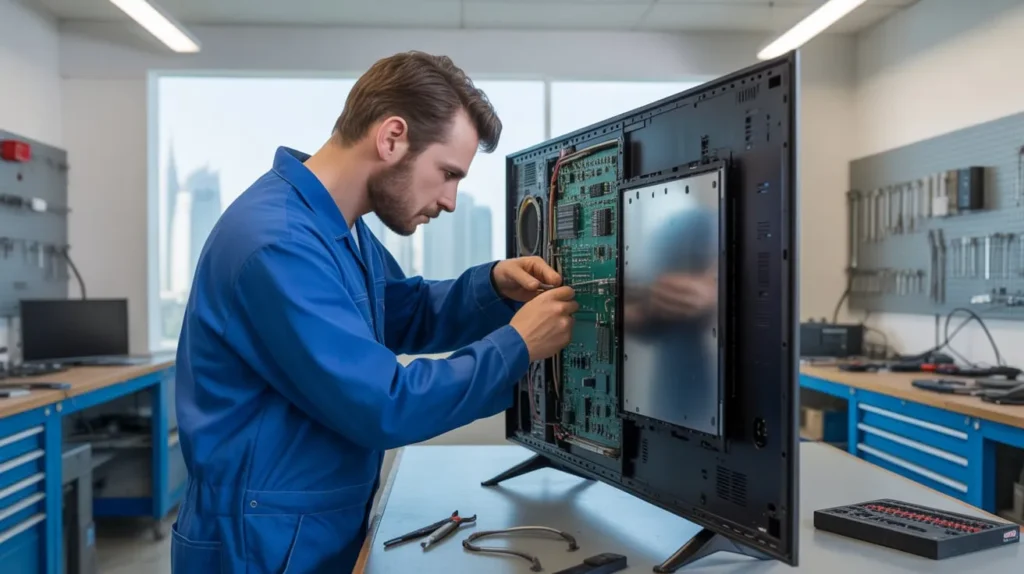
Why Discovery Gardens Residents Call Us.
- Honest repair-or-replace advice, so you never overpay.
- Same-day visits to every cluster, 24/7.
- Fixed price first.
- Warranty on parts and labour.
- All brands, including budget models.
Affordable, Reliable TV Repair Services in Discovery Gardens.
Why Choose Us .
On-Time Project Delivery
24/7 Availability
Service Guarantee
Affordable Pricing
Fast and Convenient Service.
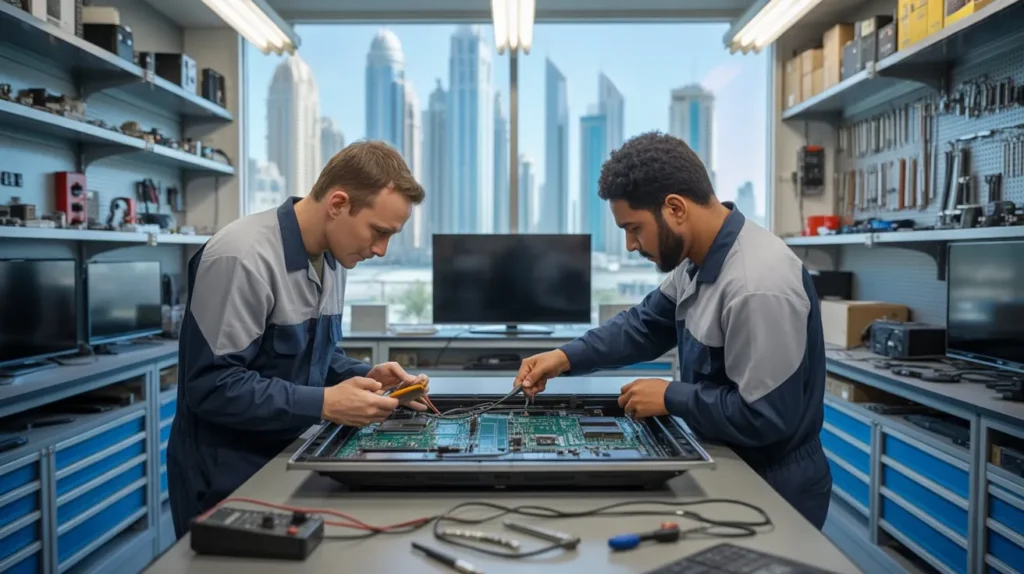
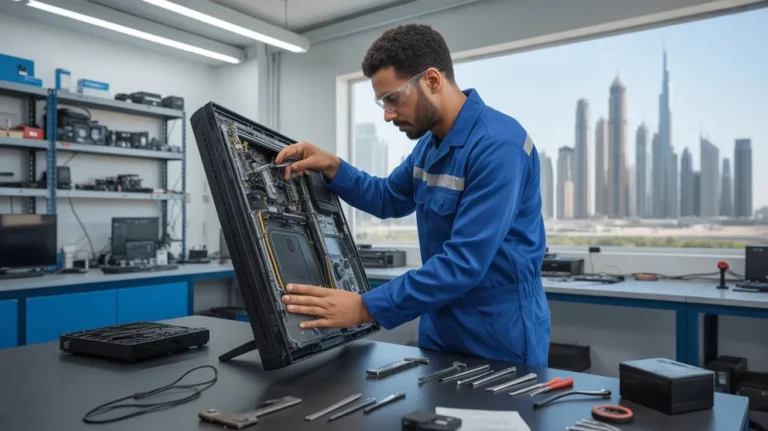
Repair or Replace? Honest TV Advice for Apartments.
For a smaller TV, the repair has to make sense. Backlight repair, power board repair, sound faults and software resets are usually well worth it. A cracked panel or a dead main board on a low-cost TV may cost close to a new one, and we will tell you that before you spend anything.
See our TV repair cost guide for typical prices.
TV Problems We Fix in Discovery Gardens.
- Sound but a black screen.
- TV will not switch on.
- Lines or colour problems on the picture.
- No sound or crackling speakers.
- Smart apps not loading.
- No signal from the set-top box.
Expert Level Tv Repair Services .
TV Not Displaying Properly .
If your TV turns on but shows no picture, the cause may be a damaged panel, a faulty backlight or a loose internal connection. Low brightness, flickering, or distorted colors also indicate display malfunction. A professional inspection is recommended to identify and fix the issue quickly.
TV Not Turning On .
If your TV doesn’t power on, it might be due to a faulty power board, damaged cable, or internal circuit failure. Check the socket and cables first. If the problem stays, call a technician to check the power system before it gets worse.
Unusual Noises from TV .
Buzzing, popping, or crackling sounds from your TV could indicate speaker issues, electrical faults, or capacitor damage. If the noise occurs frequently or during operation, turn off the TV immediately and contact a professional technician to prevent component failure.
Bad Odor When TV Is On .
If you notice a burning or plastic smell when your TV is running, it could be due to overheating or short circuits in the internal components. Turn off and unplug the TV right away. Continued use may cause permanent damage — seek professional repair immediately.
Frozen or Lagging Display .
If your smart TV screen freezes or lags while streaming or switching apps, it may be due to firmware issues, insufficient memory, or overheating. Restarting can help temporarily, but frequent freezes may require a full diagnostic or software update.
Image or Light Leakage .
If you notice bright spots, shadows, or light bleeding around the edges of the screen, this could indicate panel or backlight issues. Professional calibration or backlight repair may be necessary to restore even screen brightness.
TV Turns On and Off Repeatedly .
If your TV keeps restarting or shuts off unexpectedly, it could be due to a failing power board, firmware bug, or overheating issue. Unplug the TV for a few minutes and try again — if the problem continues, get it checked by an expert technician.
High Electricity Bills Due to TV Issues .
A malfunctioning TV may consume extra power if there’s a backlight, display, or internal component fault. If your energy bills rise suddenly, have your TV inspected to ensure it’s operating efficiently and safely.
Remote or Control Buttons Not Responding .
If your TV remote or side buttons don’t work properly, it could be due to sensor failure, battery corrosion, or internal receiver issues. Reset the remote or TV settings, and if that doesn’t help, professional servicing is needed.
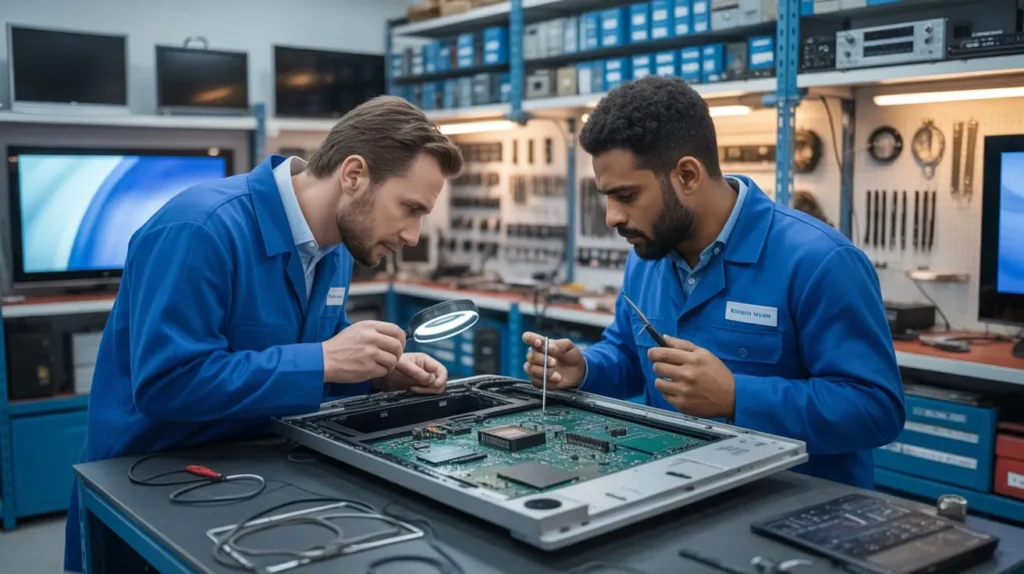
Same-Day TV Repair Near Ibn Battuta.
Call or WhatsApp us with your TV brand and fault. A technician visits your apartment the same day and repairs most problems on the spot.
Outside Discovery Gardens? See our main TV repair in Dubai page.
TV Repair in Discovery Gardens: Frequently Asked Questions.
How much does TV repair cost in Discovery Gardens?
The cost depends on the fault, the TV size and the brand. Our technician inspects the TV at your home and gives you a clear quote before any work starts.
Do you offer same-day TV repair in Discovery Gardens?
Yes. Our technicians visit Discovery Gardens the same day in most cases, and emergency support is available 24/7.
Can you repair my TV at home in Discovery Gardens?
Many faults, such as power, backlight, HDMI and software problems, can be diagnosed at your home. If your TV needs a part replaced or workshop work, the technician explains the options and the price before taking any step.
Which TV brands do you repair in Discovery Gardens?
We repair LED, OLED, QLED, LCD and Smart TVs from Samsung, LG, Sony, TCL, Hisense and other major brands.
My TV in Discovery Gardens is on but there is no picture. What should I do?
Switch the TV off, unplug it for a few minutes, check the HDMI cables and try again. If the problem stays, the cause may be a backlight, power board or main board fault, so book a technician.
How do I book a TV technician in Discovery Gardens?
Call 052 788 6093 or message us on WhatsApp. Tell us the TV brand, the screen size and the fault, and we arrange a visit to Discovery Gardens. Our line is open 24/7.
Do you also serve areas near Discovery Gardens?
Yes. We also cover The Gardens, Al Furjan, Jebel Ali and Dubai Investment Park, and all other areas of Dubai.
TV Repair Discovery Gardens: Common Faults, Causes and Fixes.
Discovery Gardens apartments are compact, and TVs often sit close to windows, kitchens or AC vents. This guide to TV repair Discovery Gardens covers the faults we fix most, typical costs and simple ways to protect your TV.
The table below shows the TV faults we fix most often at apartments in Discovery Gardens, the usual cause and how our technician solves it.
| What You Notice | Likely Cause | How We Fix It |
|---|---|---|
| Sound works but no picture | Failed LED backlight strips | Replace the backlight strips and test brightness |
| TV will not turn on, red light blinks | Power board fault, often after a voltage spike | Repair or replace the power supply board |
| Lines or bars across the screen | Faulty T-con board or loose panel ribbon cable | Reseat or replace the T-con board and cables |
| No sound or crackling sound | Speaker, audio circuit or HDMI ARC setting | Repair the audio circuit or fix the soundbar and ARC setup |
| Restarts by itself or stuck on the logo | Software crash or main board fault | Update firmware, reset, or repair the main board |
| Smart apps not loading, no Wi-Fi | Old software or faulty Wi-Fi module | Update the software or repair the network module |
| No signal on one HDMI input | Damaged HDMI port | Replace the HDMI port or repair the input circuit |
| Cracked or broken screen | Physical damage to the panel | Panel quote, or honest advice to replace |
Not sure which fault you have? Book TV repair Discovery Gardens and we test the TV fully before any work starts.
TV Repair Discovery Gardens Cost Guide (AED).
The price of TV repair Discovery Gardens depends on the brand, screen size and the part that failed. The ranges below are general Dubai market prices, not fixed quotes. You get the exact price after inspection, and we start only when you agree.
| Repair | Typical Range (AED) |
|---|---|
| Inspection and diagnosis visit | 100 – 150 |
| Software update or factory reset | 100 – 200 |
| HDMI port repair | 150 – 300 |
| Speaker or sound repair | 150 – 350 |
| T-con board repair | 250 – 500 |
| Power supply board repair or replacement | 250 – 600 |
| LED backlight strip replacement | 300 – 900 |
| Main board repair or replacement | 350 – 1,000 |
| Screen panel replacement | Quote after inspection, often close to a new TV |
Most 32 to 55 inch apartment TVs sit at the lower end of each range, so repair is often better value than buying new.
TV Brands and Types We Repair in Discovery Gardens.
Our TV repair Discovery Gardens service covers every major brand: Samsung, LG, Sony, TCL, Hisense, Panasonic, Philips, Sharp, Toshiba, Haier, Xiaomi, Skyworth, Nikai, Super General, Akai, Hitachi, JVC and Grundig. We work on all screen types and sizes:.
- LED and LCD TVs, from 32 inch bedroom sets to large living room screens.
- OLED TVs from LG, Sony and other brands.
- QLED, Neo QLED and Mini LED TVs.
- Smart TVs running Android TV, Google TV, Tizen or webOS.
- 4K and 8K Ultra HD TVs and curved TVs.
- Wall-mounted TVs, including safe removal and refitting.
Why TVs Break Down in Discovery Gardens Homes.
Dubai conditions are hard on electronics, and they explain many calls for TV repair Discovery Gardens:.
- Heat: summer temperatures go above 45°C. A TV near a sunny window or in a warm room runs hotter, which wears out backlight LEDs and capacitors faster.
- Dust: fine desert dust gets into the vents, covers the boards and traps heat inside the TV.
- Humidity: humid summer nights can cause corrosion on HDMI ports and circuit boards.
- Power cuts and voltage spikes: short outages during building or grid maintenance can damage the power supply board when power returns.
- Long viewing hours: TVs that run all day at high brightness age faster.
Safe Checks Before You Call a Technician.
Try these simple checks first. If they do not help, book TV repair Discovery Gardens and we will take it from there.
- Plug another device into the same socket to make sure it has power.
- Unplug the TV for two minutes, then switch it on again to reset it.
- Try a different HDMI input or cable, and check the TV is on the right source.
- Change the remote batteries, or use the buttons on the TV itself.
- Note any error message or how many times the red light blinks. This helps us find the fault faster.
Do not open the back cover. The power board can hold a high-voltage charge even after you unplug the TV.
TV Repair Discovery Gardens: How It Works in 5 Steps.
- Contact us: call or WhatsApp with your TV brand, screen size and the problem.
- Home visit: a technician comes to your apartment in Discovery Gardens at a time that suits you, often the same day.
- Diagnosis and price: we test the TV, explain the fault in simple words and give you a clear price.
- Repair: we fix most faults on the spot. If a part must be ordered, we tell you how long it will take.
- Final test: we check picture, sound, Wi-Fi and every input before we leave.
Besides TV repair Discovery Gardens, we cover nearby The Gardens, Al Furjan, Jebel Ali Village and Ibn Battuta, and all of Dubai: JVC, Al Barsha, Dubai Marina, JLT, Downtown Dubai, Business Bay, Deira, Bur Dubai, Mirdif, Al Qusais, Al Nahda, Al Warqa, Silicon Oasis, International City, Arabian Ranches, Motor City, Dubai Hills, Jumeirah and Palm Jumeirah, plus Sharjah.
TV Care Tips for Discovery Gardens Homes.
- Leave at least 10 cm of space around the TV vents so heat can escape.
- Wipe dust from the vents and screen every few weeks with a dry microfibre cloth.
- Plug the TV into a good surge protector to guard against power spikes.
- Keep the TV out of direct sunlight and away from cooking steam.
- Use eco or energy-saving picture mode to reduce backlight wear.
- Install software updates so Smart TV apps keep working.
Simple care like this means fewer calls for TV repair Discovery Gardens and a longer life for your TV.
TV Repair Services in These Dubai Areas.
- Tv Repair Services in Dubai .
- TV Repair Services in Arabian Ranches .
- TV Repair Services in Arabian Ranches 2 .
- TV Repair Services in Damac Hills .
- TV Repair Services in Remraam .
- TV Repair Services in Jumeirah Park .
- TV Repair Services in Jumeirah Golf Estates .
- TV Repair Services in Jumeirah Islands .
- TV Repair Services in Bluewaters Island .
- TV Repair Services in The Springs .
- TV Repair Services in The Meadows .
- Tv Repair Services in Al Barsha .
- TV Repair Services in JVC (Jumeirah Village Circle) .
- TV Repair Services in JVT (Jumeirah Village Triangle) .
- TV Repair Services in Dubai Sports City .
- TV Repair Services in Dubai Studio City .
- TV Repair Services in Motor City .
- TV Repair Services in Dubai Production City .
- TV Repair Services in Falcon City .
- TV Repair Services in Arjan .
- TV Repair Services in Al Furjan .
- TV Repair Services in Discovery Gardens .
- TV Repair Services in The Gardens .
- TV Repair Services in Green Community East .
- TV Repair Services in Green Community West .
- TV Repair Services in Dubai Investment Park 1 .
- TV Repair Services in Mira .
- TV Repair Services in Mira Oasis .
- TV Repair Services in The Sustainable City .
- TV Repair Services in Barsha Heights .
- TV Repair Services in Jumeirah Lakes Towers (JLT) .
- TV Repair Services in Al Safa .
- TV Repair Services in Al Sufouh .
- TV Repair Services in Al Manara .
- TV Repair Services in Umm Suqeim 1 and 2 .
- TV Repair Services in Dubailand .
- TV Repair Services in The Villa .
- TV Repair Services in Villanova .
- TV Repair Services in Town Square .
- TV Repair Services in Mudon .
- TV Repair Services in Arabella 1 and 2 .
- TV Repair Services in Al Mizhar 1, 2 and 3 .
- TV Repair Services in Al Khawaneej 1, 2 and 3 .
- TV Repair Services in Al Warqa .
- TV Repair Services in Al Qusais .
- TV Repair Services in Mirdif .
- TV Repair Services in Al Warsan .
- TV Repair Services in Nad Al Hamar .
- TV Repair Services in Al Rashidiya .
- TV Repair Services in Oud Al Muteena 1 .
- TV Repair Services in Nad Al Sheba 1 .
- TV Repair Services in Nad Al Sheba 2 .
- TV Repair Services in Meydan .
- TV Repair Services in Meydan South .
- TV Repair Services in Mohammed Bin Rashid City .
- TV Repair Services in Business Bay .
- TV Repair Services in Downtown Dubai .
- TV Repair Services in DIFC .
- TV Repair Services in City Walk .
- TV Repair Services in Jumeirah 1 .
- TV Repair Services in Al Badaa .
- TV Repair Services in Al Karama .
- TV Repair Services in Al Jaddaf .
- TV Repair Services in Dubai Creek Harbour .
- TV Repair Services in Al Awir .
- TV Repair Services in Majan .
- TV Repair Services in Al Barari .
- TV Repair Services in Emaar South .
- TV Repair Services in Dubai Marina .
- TV Repair Services in Palm Jumeirah .
- TV Repair Services in Dubai Hills Estate .
- TV Repair Services in The Greens .
- TV Repair Services in Jumeirah 1 .
- TV Repair Services in Jumeirah 2 .
- TV Repair Services in Jumeirah 3 .
- TV Repair Services in Al Wasl .
- TV Repair Services in Bur Dubai .